


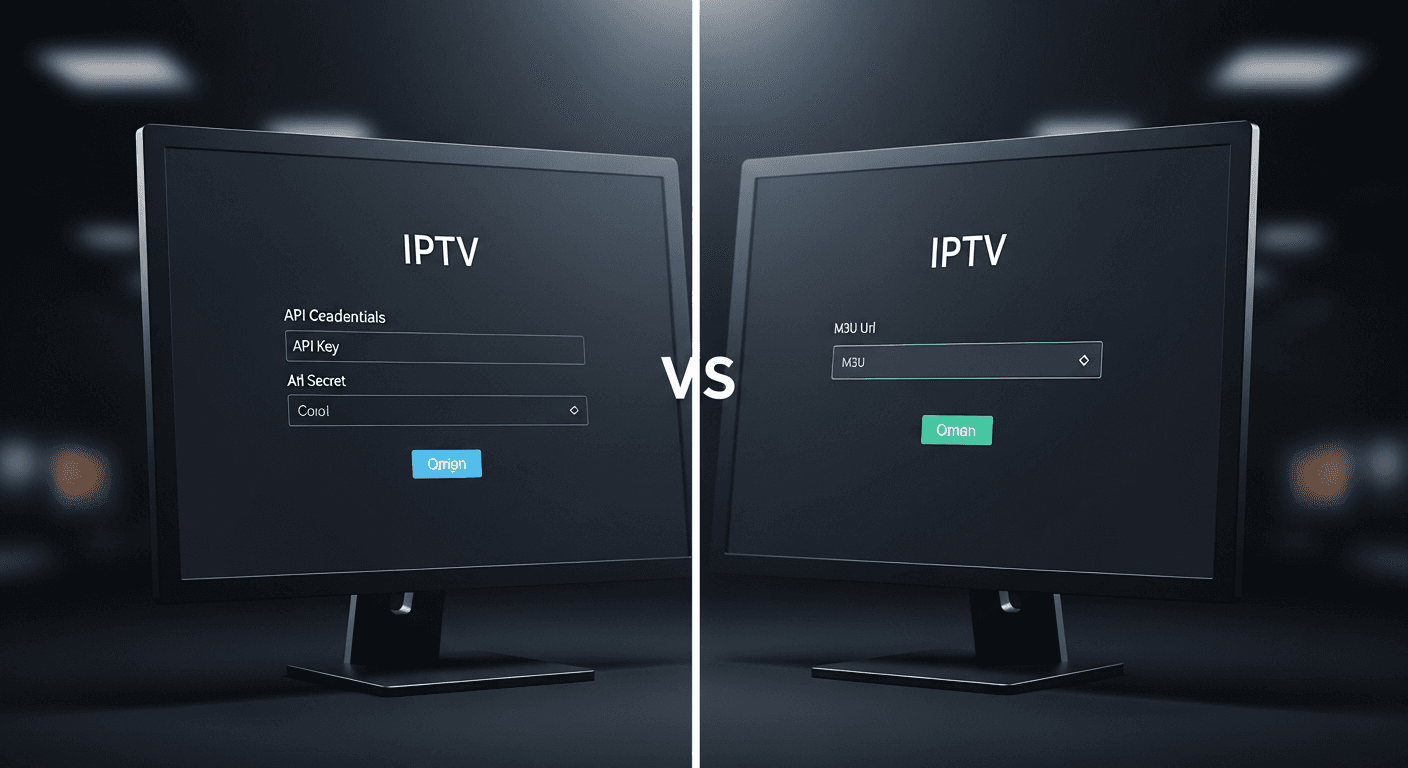
Xtream Codes vs M3U: Which IPTV Method is Better?
The Xtream Codes API vs M3U playlist debate is the first decision every new IPTV subscriber faces - your provider gives you credentials for both, and most IPTV apps ask which format you want to use at setup. Both methods connect you to the same streams, but they work very differently under the hood. Xtream Codes is best for users who want automatic EPG, catch-up TV, and a seamless app experience. M3U is best for universal compatibility - it works in VLC, Kodi, and virtually any device. We tested both formats across IPTV Smarters Pro v3.1, TiviMate v4.7, and Kodi 21 (Omega) on a Firestick 4K Max and an LG C2 OLED to give you a definitive answer. See the IPTV Smarters Pro website for a full list of supported login methods before choosing your setup.
In This Guide
Xtream Codes API Overview
Xtream Codes is a login-based IPTV protocol. Your provider gives you three pieces of information: a username, a password, and a server URL (e.g. http://server.example.com:8080). When you enter these into an IPTV player, the app makes authenticated API requests to the server, which responds with your channel list, VOD library, EPG data, and catch-up availability in real time.
The key advantage is that everything is dynamic. Channel updates, new VOD titles, and EPG data all sync automatically without you doing anything. Your provider can also manage your account in real time - adding channels to your package, monitoring active connections, and enforcing connection limits (most providers allow 1-2 simultaneous streams per account). If your subscription expires, access stops immediately. If you request a package upgrade, it appears within minutes.
Xtream Codes is supported by virtually every dedicated IPTV player: IPTV Smarters Pro, TiviMate, Perfect Player, Flix IPTV, and many others. In TiviMate specifically, Xtream Codes enables its best feature - the multi-channel EPG grid that shows what is on across all channels simultaneously, populated automatically from the server with no manual XMLTV setup needed.
Weaknesses: Xtream Codes only works in apps built to support the API. VLC, Kodi (without a plugin), older smart TV apps, and hardware media players cannot use it natively. It also requires your player to make an active internet connection at launch to authenticate - if the server is temporarily down, you lose access even if the streams themselves would work.
M3U Playlist Overview
M3U (Moving Picture Experts Group Audio Layer 3 URL) is a plain-text playlist format originally designed for audio playlists in the 1990s. IPTV providers repurposed it for live TV: each entry in the file contains metadata (#EXTINF line with channel name, logo URL, group, and EPG ID) followed by the actual stream URL. Your provider gives you a single URL - typically formatted as http://server.example.com:8080/get.php?username=X&password=Y&type=m3u_plus&output=mpegts - that dynamically generates the current playlist on request.
M3U's biggest strength is universal compatibility. Any software that can play media can open an M3U URL: VLC on desktop, Kodi with the PVR IPTV Simple Client add-on, older Samsung and LG smart TV apps, Android media players, even the TV's built-in media app on some models. If you want to watch IPTV on an obscure device, M3U is almost always the answer. Providers often supply both a standard M3U and an M3U Plus (Extended M3U) variant - always use M3U Plus, as it includes channel logos, group tags, and EPG IDs that most players need for a proper interface.
Weaknesses: M3U has no native EPG. You need a separate XMLTV URL (your provider usually supplies one) and must manually enter it in your player's EPG settings. Catch-up TV is not standardized in M3U - some providers embed catch-up metadata in the #EXTINF tags but support varies widely by app. The playlist URL also contains your username and password in the query string, so if someone gets the URL, they have your account credentials in plain text. Finally, M3U playlists can be very large - a 20,000-channel M3U file can take 30-60 seconds to parse in some apps at startup.
For IPTV app comparisons covering how each handles M3U, check our guide to the best IPTV apps for Firestick in 2026.
Head-to-Head Breakdown
Performance
The actual video stream quality is identical - both methods ultimately serve the same HLS, RTMP, or MPEG-TS stream from the same server infrastructure. Any performance difference you notice comes from how the player handles EPG loading and channel list parsing, not from the protocol itself. In our testing on TiviMate v4.7, Xtream Codes loaded the channel list approximately 40% faster than the equivalent M3U URL on the same provider. This is because the Xtream Codes API returns structured JSON, while M3U returns a large plain-text file that must be parsed line by line. On a 10,000-channel provider, this difference is noticeable at app startup.
EPG (Electronic Program Guide)
Xtream Codes wins clearly. EPG loads automatically from the server - no configuration needed. In TiviMate, the grid populates within seconds of adding an Xtream Codes source. With M3U, you must separately add an XMLTV URL in the player's EPG settings, wait for the file to download (XMLTV files for large providers can be 50-200MB), and set a refresh schedule. If the XMLTV URL and M3U URL use different channel IDs, the EPG will not match channels correctly and requires manual mapping - this can be a significant time investment on a large playlist.
Catch-Up TV
Xtream Codes wins. Catch-up (rewinding live TV to watch past broadcasts, typically 7 days back) is natively supported via the Xtream Codes API when your provider has it enabled. Your player automatically shows a rewind icon on eligible channels. With M3U, catch-up support is inconsistent - some providers include catchup tags in the M3U Plus metadata, but only certain apps (TiviMate, GSE Smart IPTV) can interpret these, and the implementation often breaks across app updates.
Device Compatibility
M3U wins by a wide margin. M3U works in VLC (Windows, Mac, Linux, iOS, Android), Kodi 21 (Omega) with the PVR IPTV Simple Client, older Samsung Tizen apps, LG webOS apps, Apple TV via Infuse, MX Player, and even basic media apps on budget Android boxes. Xtream Codes requires a dedicated IPTV app and is not supported in general-purpose media players. If you want to use IPTV on a device that does not have a dedicated IPTV app, M3U is your only option.
Security
Xtream Codes is more secure. Your credentials are stored inside the IPTV app and transmitted over HTTPS (on most modern providers). If your account is compromised, your provider can reset your password without issuing a new playlist URL. With M3U, your username and password are embedded in the URL itself - sharing the URL, accidentally screenshotting it, or having it appear in a browser history exposes your credentials directly. Some providers now generate token-based M3U URLs that expire hourly to mitigate this, but most do not.
Which One Should You Choose?
Use Xtream Codes if: you are using a dedicated IPTV player (IPTV Smarters Pro, TiviMate, Perfect Player, or similar), your provider offers catch-up TV, and you want automatic EPG with zero manual setup. This covers the majority of Firestick, Android TV, and Smart TV users with a modern IPTV app. It is the better experience on any device that supports it - faster channel loading, proper catch-up, and automatic EPG make the setup easier and the daily use smoother. Our TiviMate vs IPTV Smarters Pro comparison covers how both apps implement Xtream Codes differently.
Use M3U if: you are on a device that does not support a dedicated IPTV app (older smart TVs, VLC on desktop, Kodi without plugins, or hardware media players), you want maximum portability, or your IPTV app of choice does not support Xtream Codes. M3U is also the better fallback - most providers supply both, and if Xtream Codes authentication ever fails (server maintenance, temporary outage), you can switch to M3U as a backup while the issue resolves. If you have access to both, set up Xtream Codes as your primary and keep the M3U URL noted somewhere as a backup.
Bottom line: Xtream Codes is the better format for dedicated IPTV apps in 2026. M3U is the better format for universal device support. Most providers give you both - use Xtream Codes in your main IPTV app and M3U for any secondary device. For a full overview of setting up either format on a major device, see our complete IPTV Firestick setup guide.
For reference, here is a full comparison table of both formats across every major criterion, tested on TiviMate v4.7 and IPTV Smarters Pro v3.1.
✅ Xtream Codes Pros
- Automatic EPG - no XMLTV setup
- Native catch-up TV support
- Faster channel list loading
- Better account security
- Real-time subscription management
❌ Xtream Codes Cons
- Requires a compatible IPTV app
- No support in VLC or Kodi natively
- Access fails if server is temporarily down
✅ M3U Playlist Pros
- Works in VLC, Kodi, any media player
- Easiest initial setup - one URL
- Compatible with older devices and TVs
- Good backup when Xtream API is down
❌ M3U Playlist Cons
- No automatic EPG - manual XMLTV needed
- Catch-up TV inconsistent across apps
- URL contains plain-text credentials
- Large playlists slow to parse at startup
Smart 4K is the most stable IPTV - watch every match without buffering
3M +1 FREE • 6M +2 FREE • 12M +3 FREE
Offer valid for new subscribers and single-device plans only.