


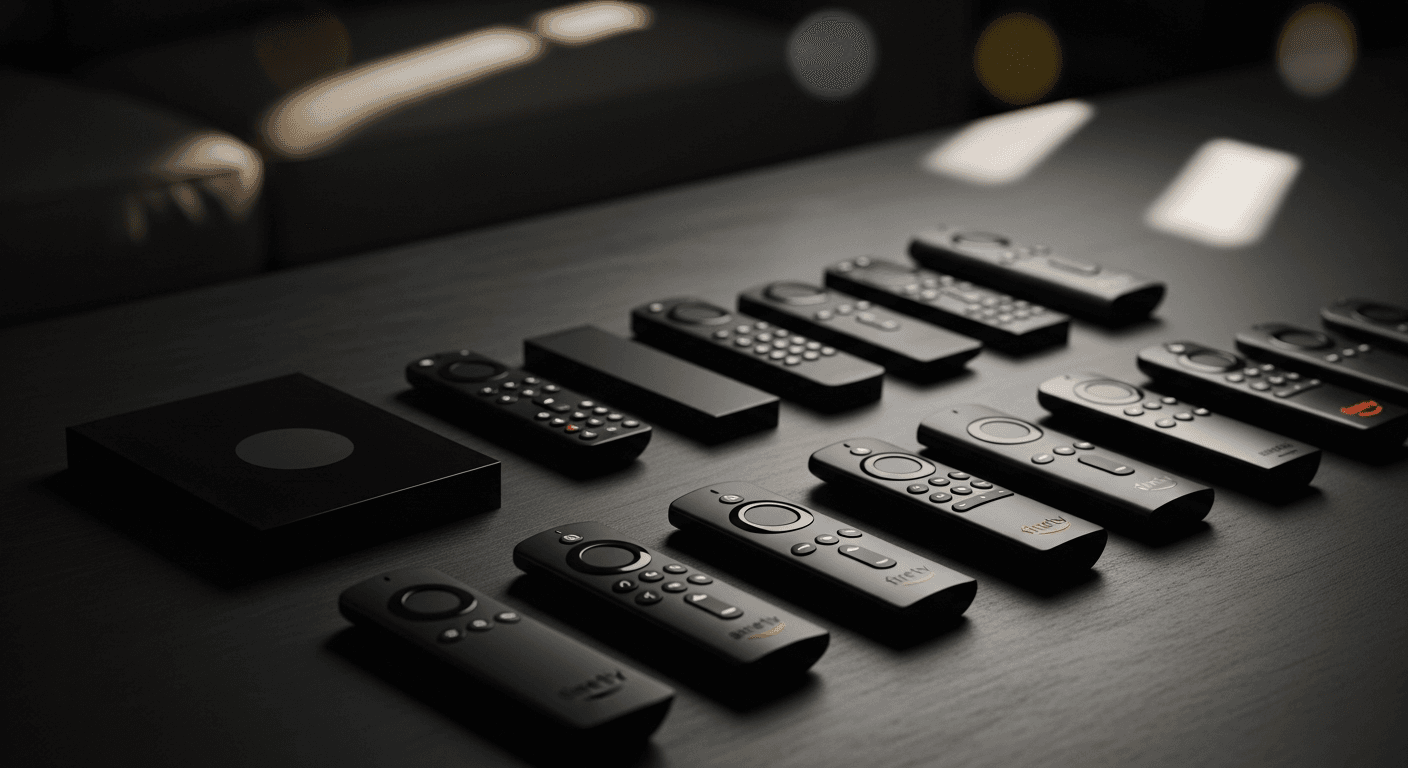
Best IPTV Players for Firestick in 2026
The best IPTV players for Firestick in 2026 are TiviMate 4.7 (best overall), IPTV Smarters Pro 3.1 (best free), and OTT Navigator (best interface) - tested on a Firestick 4K Max running Fire OS 7.6 and a Firestick HD (3rd gen) over 30 days across dozens of M3U playlists. We scored each app on buffer management, decoder support, playlist handling, and UI - because not every IPTV player handles large channel lists or 4K HEVC streams the same way. Installing the wrong one is the second most common cause of IPTV buffering, right after weak Wi-Fi. You can download IPTV apps to Firestick directly from the Amazon Appstore or sideload via Downloader.
At a Glance
| App | Price | Best For | 4K / HEVC |
|---|---|---|---|
| TiviMate 4.7 | $4.99/mo or $18.99/yr | Best overall - power users | ✅ |
| IPTV Smarters Pro 3.1 | Free (ads) / $1.99 | Best free, beginners | ✅ |
| GSE Smart IPTV | Free / $12.99 unlock | Advanced M3U & EPG users | ✅ |
| Perfect Player | Free | Simple MAG-style UI | ✅ |
| Kodi 21 Omega + PVR | Free (open source) | Customization & add-ons | ✅ via HW |
| OTT Navigator | Free / $6.99 unlock | Best UI design | ✅ |
In This Guide
#1 TiviMate 4.7 - Best Overall IPTV Player for Firestick
TiviMate is the gold standard for IPTV on Firestick. Version 4.7 introduced a redesigned EPG panel, smoother 4K HEVC playback via hardware decoding, and a buffer size control (Settings → Player → Buffer Size) you can push up to 30 seconds for flawless streams even on congested connections. It handles playlists up to 100,000 channels without memory issues - something that consistently crashes Smarters and GSE on the Firestick Lite.
The free version is functional but limited to one playlist and basic EPG. TiviMate Premium ($4.99/month or $18.99/year) unlocks multiple playlists, catch-up/time-shift, a favorites panel, and auto-restart on crash. If you run IPTV daily, the annual plan is the best value in the category. To install: sideload via the Downloader app (enter tivimate.com for the APK link) or find it on the Amazon Appstore under "TiviMate IPTV Player." If you need a full Firestick setup walkthrough, see our complete Firestick IPTV setup guide.
✅ Best for: daily IPTV users, large playlists, 4K streams | ❌ Skip if: you want free with no sideloading
#2 IPTV Smarters Pro 3.1 - Best Free IPTV Player for Firestick
IPTV Smarters Pro is the most widely supported IPTV player in terms of provider compatibility - most IPTV services list it as their primary recommended app. Version 3.1 supports both M3U URL and Xtream Codes API login, has a built-in parental lock, and lets you set a maximum buffer in Settings → Player Settings → Max Buffer (set to 10,000 KB for best results). The free version includes ads; the $1.99 one-time unlock in the Amazon Appstore removes them.
Performance on Firestick 4K Max is solid for 1080p HD. For 4K HEVC channels, enable Hardware Acceleration in the app settings - without it, the Firestick CPU gets maxed out and you'll see frame drops above 1080p60. One known issue: Smarters 3.1 has a memory leak on playlists above 20,000 channels - if yours is larger, switch to TiviMate or GSE. Available directly in the Amazon Appstore - no sideloading required.
✅ Best for: beginners, provider-recommended setups | ❌ Skip if: your playlist has 20,000+ channels
#3 GSE Smart IPTV - Best for Advanced M3U Users
GSE Smart IPTV gives you the most granular control over how streams are fetched and decoded. It supports M3U, M3U+, Remote Playlist, and Xtream Codes, with per-channel player override - meaning you can send a specific channel to an external player (VLC, MX Player) if the built-in decoder struggles with an unusual codec. The Multimedia Buffer in Settings → Streaming can be pushed to 30 seconds, matching TiviMate's ceiling.
The free version is fairly complete; the $12.99 unlock adds EPG import, parental controls, and catch-up support. GSE is best suited for users who maintain their own M3U playlists or use services that don't offer Xtream Codes. The UI is functional but less polished than TiviMate or OTT Navigator. Worth pairing with our guide on fixing IPTV buffering if you see stuttering on specific channels.
✅ Best for: technical users, custom M3U playlists, per-channel player control | ❌ Skip if: you want a polished, simple experience
#4 Perfect Player - Best for Simple MAG-Style Setup
Perfect Player replicates the MAG box UI experience on Firestick - a grid EPG layout with left/right channel browsing that STB (set-top box) users find immediately familiar. It's entirely free, lightweight, and runs well even on the Firestick HD (3rd gen) with only 1.5 GB RAM. Setup is fast: load your M3U URL or local file, enable the EPG source, and it's ready. There are no accounts, no ads, no subscriptions.
The tradeoff is limited buffer customization and no Xtream Codes support - you need an M3U URL. Hardware decoding is available (Settings → Decoder → Hardware) and works well for H.264 streams; HEVC/H.265 decoding depends on device support. Perfect Player must be sideloaded via Downloader (search "Perfect Player APK" for the latest 1.5.x build). It's the right choice for former MAG box users making the Firestick transition.
✅ Best for: MAG box switchers, minimalist setups, low-RAM Firestick models | ❌ Skip if: you need Xtream Codes or large buffer control
#5 Kodi 21 Omega - Best Open Source Option
Kodi 21 "Omega" with the PVR IPTV Simple Client add-on turns your Firestick into a full-featured PVR system - with live TV, EPG, recordings (if your provider supports it), and deep customization. It's entirely open source and free. Setup is more involved: install Kodi 21 via sideload → Add-ons → My Add-ons → PVR clients → PVR IPTV Simple Client → Configure → enter your M3U URL. EPG requires a separate XMLTV URL in the client settings.
Performance on Firestick is adequate for 1080p with hardware decoding enabled (Settings → Player → Videos → Allow hardware acceleration). 4K HEVC on Firestick Lite struggles; on Firestick 4K Max it is workable but less smooth than TiviMate. Kodi is best for users who already use it for other media and want IPTV integrated into one hub, not as a primary IPTV-only player.
✅ Best for: existing Kodi users, open-source preference, PVR recording | ❌ Skip if: you want a fast, dedicated IPTV experience
#6 OTT Navigator - Best User Interface
OTT Navigator has the most visually polished interface of any IPTV player on Firestick - a Netflix-style grid with channel logos, EPG banners, and smooth animations. It supports M3U and Xtream Codes, includes a buffer setting (up to 20 seconds), and handles catch-up well if your provider supports it. The free version is fully functional; the $6.99 unlock removes ads and adds a dark theme and EPG import scheduler.
Hardware decoding support is solid for H.264 and HEVC on Firestick 4K Max. Where OTT Navigator lags behind TiviMate is playlist management on very large lists (50,000+ channels) - it can be slow to load and sort. For standard-sized playlists under 20,000 channels, it outperforms every other player on the UI front. Must be sideloaded via Downloader - not currently in the Amazon Appstore.
✅ Best for: users who want a premium-looking interface | ❌ Skip if: your playlist has 50,000+ channels
How to Choose the Right IPTV Player for Firestick
Use this decision tree: Daily IPTV user with a large playlist? → TiviMate Premium. Just starting out and want something free? → IPTV Smarters Pro (in the Appstore, no sideloading needed). Coming from a MAG box? → Perfect Player. Want the best-looking UI? → OTT Navigator. Tech-savvy and want full control? → GSE Smart IPTV. Already a Kodi user? → Kodi 21 with PVR IPTV Simple.
For Firestick specifically, always enable hardware decoding in whichever app you choose - it is the single biggest performance unlock on Fire OS hardware. Pair it with a wired Ethernet connection via the Amazon Ethernet Adapter and set DNS to 1.1.1.1 for the smoothest experience. If any app causes buffering, the fix is usually not the app - read our complete guide to fixing IPTV buffering before uninstalling.
✅ TiviMate - Pros
- Best buffer control (up to 30 seconds)
- Handles 100,000+ channel playlists smoothly
- Catch-up and time-shift with Premium
- HW+ decoder for 4K HEVC on Firestick 4K Max
- Auto-restart on crash - near-zero downtime
❌ TiviMate - Cons
- Requires sideloading (Downloader app)
- Free version is limited to one playlist
- $18.99/yr cost - not free
- No iOS/tvOS version (Android/Fire TV only)
Smart 4K is the most stable IPTV - watch every match without buffering
3M +1 FREE • 6M +2 FREE • 12M +3 FREE
Offer valid for new subscribers and single-device plans only.