


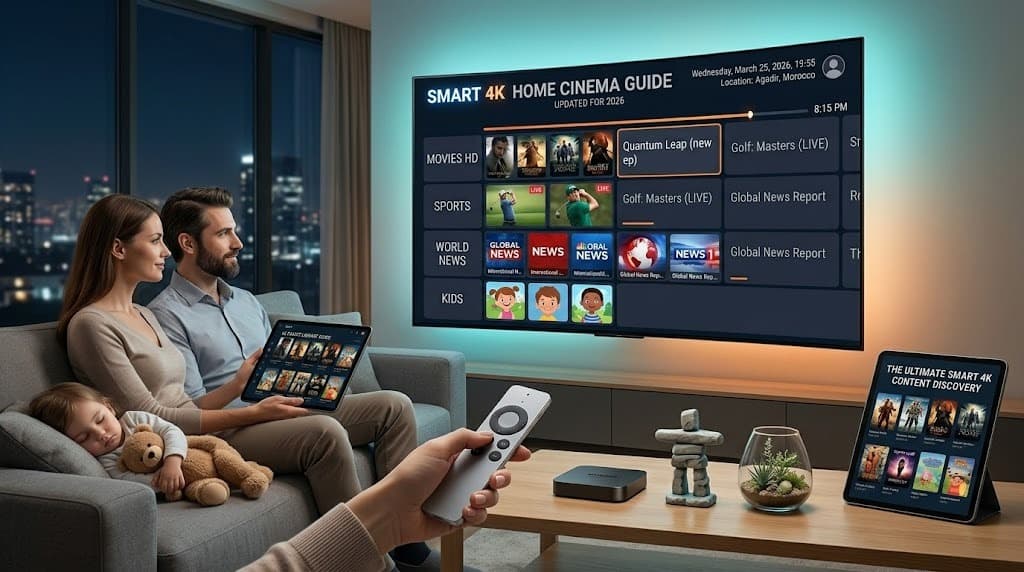
The Ultimate Guide to Setting up IPTV on Firestick (2026)
📋Table of Contents
Transforming Your Firestick into a 4K Streaming Powerhouse
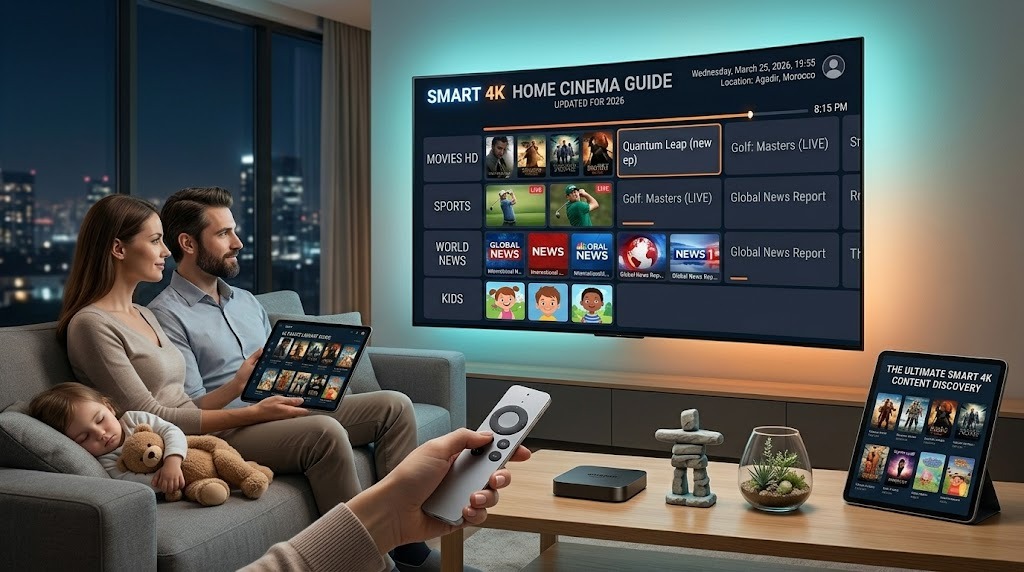
The Amazon Firestick remains the absolute best device for IPTV in 2026. Its powerful hardware, excellent Wi-Fi receiver, and Android-based operating system make it the perfect pairing for SMART 4K's anti-freeze technology.
But out of the box, your Firestick isn't optimized for raw streaming performance.
In this guide, we'll walk you through unlocking the true potential of your device, ensuring you enjoy Premier League, NFL, and 4K Movies without a single dropped frame.
Step 1: Prepare Your Device (The "Jailbreak" Phase)
Don't let the word "jailbreak" scare you-you're not voiding your warranty. You're simply allowing your device to install third-party applications (sideloading), an essential step to get the best IPTV players like TiviMate, IPTV Smarters Pro, or our custom SMART 4K application.
- Go to Settings (the gear icon on the far right of the home screen).
- Select My Fire TV.
- Hidden Menu Trick: If you only see "About", click it. Then click your device name rapidly 7 times until you see "You are now a developer."
- Press Back and open Developer Options.
- Turn ON ADB Debugging and Apps from Unknown Sources.
Step 2: The Downloader App
You need a way to fetch apps from the internet directly to your Firestick. The safest way is through the official 'Downloader' app.
- Search for "Downloader" on your Firestick home screen using the magnifying glass.
- Download and open the app (it has an orange logo).
- Accept any storage permissions.
Step 3: Installing the Best IPTV Player (TiviMate)
While there are many players, TiviMate is universally recognized as the best premium IPTV player available, offering a cable-like EPG (Electronic Program Guide) and multi-screen viewing.
- Open Downloader and click the URL bar.
- Enter the rapid download code:
882894(or whichever custom short-code your provider supplies). - The APK will begin downloading. Once finished, click Install.
Always clear your cache before major sporting events. Go to Settings > Applications > Manage Installed Applications > [Your IPTV App] > Clear Cache. This frees up vital RAM memory required for 4K 60FPS streams.
Step 4: Connecting SMART 4K To Your Player
Once you sign up for a SMART 4K trial or subscription, you are provided with Xtream Codes API credentials. This consists of:
- Server URL
- Username
- Password
Open TiviMate, select Add Playlist, choose Xtream Codes Login, and carefully enter those three details.
Within 30 seconds, your device will download 22,000+ live TV channels, and thousands of movies instantly categorized by country (USA Local Channels, UK Sports, Canada NHL Center Ice).
Why You Need a Premium Provider
You can have the best hardware in the world-a Firestick 4K Max wired directly to your gigabit router via ethernet-but if your IPTV provider suffers from server congestion during a massive NFL Sunday or a UFC Pay-Per-View, your stream will buffer.
That's why SMART 4K utilizes our proprietary global CDN network spanning 60+ countries, load-balancing traffic instantly to guarantee a flawless 99.9% uptime.
Ready to ditch cable?
Start your SMART 4K Free Trial today and witness the difference a premium provider makes.
Smart 4K is the most stable IPTV - watch every match without buffering
3M +1 FREE • 6M +2 FREE • 12M +3 FREE
Offer valid for new subscribers and single-device plans only.