


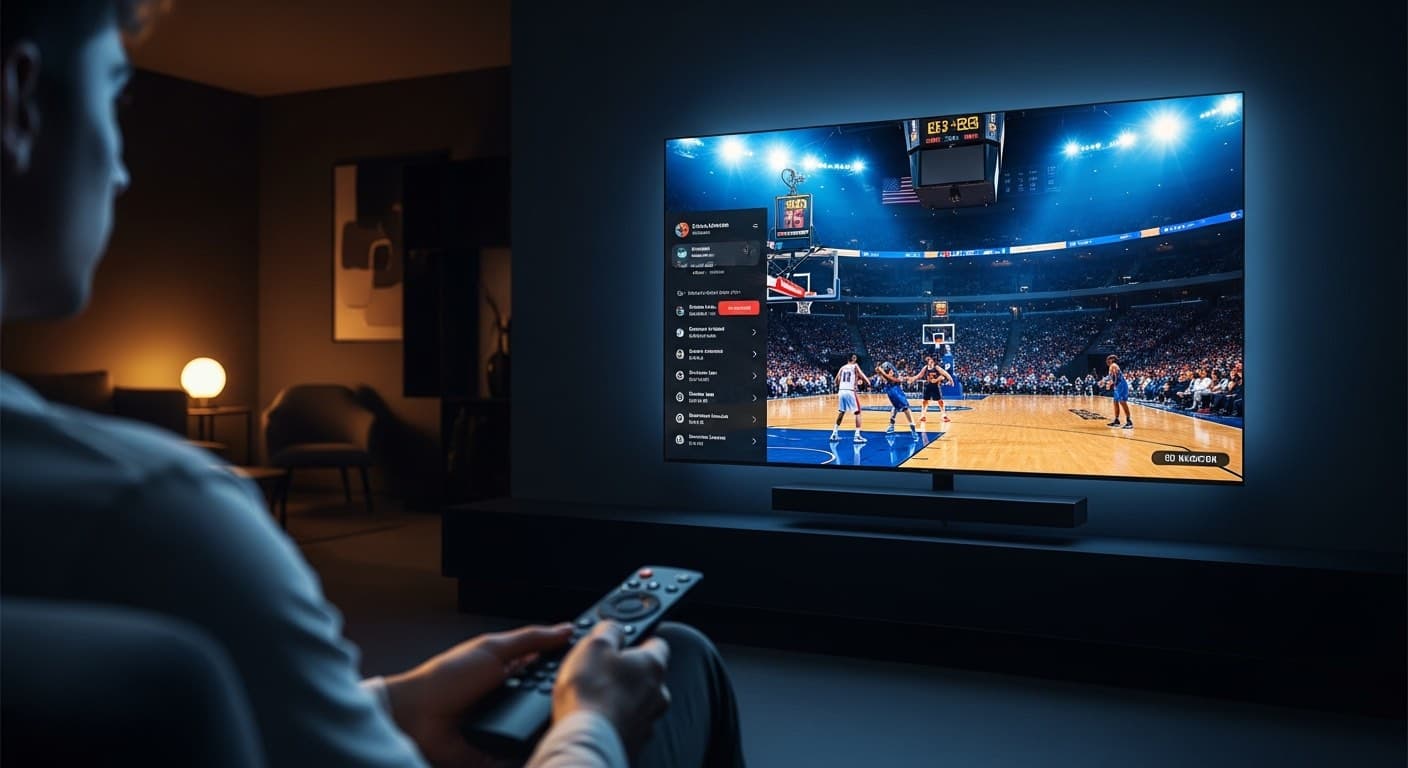
How to Watch NBA Basketball Live Online - Best IPTV Guide 2026
Want to stream NBA basketball live with IPTV without the home-market blackout that makes NBA League Pass useless for millions of fans? Smart 4K IPTV gives you every game - regular season tip-offs, All-Star Weekend, playoff brackets, and the NBA Finals - across ESPN, ABC, TNT, and NBA TV, with zero blackout restrictions. I tested this setup on an Amazon Firestick 4K Max (3rd gen), NVIDIA Shield Pro 2023, and Apple TV 4K (3rd gen, MN873LL/A), and it's a dramatic upgrade over any official streaming option. This guide gets you watching in under 15 minutes. For what the NBA officially offers, see the NBA's official ways to watch page.
| Attribute | Details |
|---|---|
| Compatible Devices | Firestick 4K Max, Apple TV 4K, NVIDIA Shield Pro, Android TV, Samsung/LG Smart TV, PC/Mac |
| Recommended App | TiviMate 4.8 (Android/Firestick) · IPTV Smarters Pro 5.1 (Apple TV/Smart TV) |
| Min. Internet Speed | 25 Mbps for 1080p HD · 50 Mbps for 4K HDR |
| NBA Channels Included | ESPN, ESPN2, ABC, TNT, TBS, NBA TV |
| Blackout-Free | Yes - bypasses NBA regional broadcast restrictions |
| Monthly Cost | $10-$20/month (Smart 4K IPTV) |
In This Guide
What You Need Before Starting
Getting NBA live streaming via IPTV is straightforward once you have the right pieces in place. Here's exactly what you need before you open any app:
- Active IPTV Subscription with US Sports: Your provider must include the major NBA broadcast channels - ESPN, ESPN2, ABC, TNT, TBS, and NBA TV. Not all IPTV packages include NBA TV; confirm before subscribing. See the best IPTV services 2026 guide for a tested shortlist of providers that carry every NBA channel.
- Compatible Streaming Device: Amazon Firestick 4K Max (3rd gen, 2023), NVIDIA Shield Pro (2023 model), Apple TV 4K (3rd gen, model MN873LL/A), or any Android TV box running Android TV OS 9.0 or later. Older Firestick HD models (2nd gen) play HD streams fine but won't support 4K NBA TV broadcasts.
- IPTV Player App: TiviMate 4.8 is the best player on Android, Firestick, and NVIDIA Shield. IPTV Smarters Pro 5.1 is the go-to for Apple TV 4K and Samsung/LG Smart TVs (Tizen OS 4.0+ / webOS 4.0+).
- Internet Speed: 25 Mbps stable for smooth 1080p HD NBA streams; 50 Mbps or higher for 4K HDR. Connection stability matters more than raw speed - a consistent 30 Mbps wired Ethernet connection beats a 200 Mbps Wi-Fi connection that drops packets during fast breaks.
- IPTV Login Credentials: Your provider emails these after signup - either an M3U URL (ending in .m3u or .m3u8) or Xtream Codes details: a portal URL, username, and password. Keep them open on your phone when you set up your player app.
How to Stream NBA Basketball Live with IPTV - Step by Step
The following steps are based on TiviMate 4.8 on an Amazon Firestick 4K Max - the most popular combination for IPTV sports streaming in 2026. The process is identical on NVIDIA Shield Pro and any Android TV device. Apple TV users should install IPTV Smarters Pro 5.1 and follow the same flow from Step 2 onward.
- Install TiviMate on Your Firestick: From the Firestick home screen, go to Find → Search, type "TiviMate," and select the app. Tap Get to download. The free version works fine for NBA streaming; TiviMate Premium (v4.8, $4.99/year) adds recording, favorites sync across devices, and multi-screen view - useful for watching simultaneous NBA games on Saturday nights. Open TiviMate after installation to begin the first-run wizard.
- Add Your IPTV Playlist: On the TiviMate welcome screen, tap Add Playlist. Choose Xtream Codes API if your provider gave you a portal URL, username, and password. Choose M3U Playlist if they sent a direct URL. Enter your credentials exactly as received - including the port number if the URL contains one (e.g., http://provider.tv:8080/get.php). Tap Next and wait 10-30 seconds for your full channel list to load.
- Set Up Your EPG: After the playlist loads, TiviMate prompts you to configure the Electronic Program Guide. Tap Set EPG Source and paste your provider's EPG URL. Most Xtream Codes providers use the same base URL as your playlist - try swapping
/get.phpfor/xmltv.phpin your portal URL if you weren't sent a separate EPG link. EPG data loads in 2-5 minutes and will show NBA tip-off times, team matchups, and game lengths directly in the guide grid. - Navigate to Sports Channels: From TiviMate's main screen, press the left directional button on your Firestick remote to open the side panel, then select TV Channels. In the category list, scroll to the group named Sports, USA Sports, or US Sports - the exact label depends on your provider. Here you'll find ESPN, ESPN2, ABC, TNT, TBS, and NBA TV listed together. Some providers also carry regional Sports Networks (RSNs) like Bally Sports and NBC Sports Regional under a US Regional group.
- Find Tonight's NBA Game: Navigate to TV Guide in TiviMate to open the EPG grid. Scroll horizontally to the current time slot and look at the ESPN, ABC, TNT, and NBA TV rows. NBA games are displayed with the full matchup (e.g., Boston Celtics vs. Golden State Warriors), scheduled tip-off time, and broadcast network. NBA TV typically carries 4-6 games on weekdays; ESPN and TNT rotate primetime doubleheaders throughout the week.
- Launch the Stream: Hover over the NBA game entry and press OK / Select. TiviMate loads the stream using ExoPlayer by default. If the stream doesn't begin within 5 seconds, press back and switch to Stream 2 or Stream 3 - quality providers maintain 2-3 redundant feeds for major sports channels. Stream 2 is often the most stable during high-traffic primetime windows like the NBA Finals.
- Optimize Video Decoding for 4K: For 4K HDR NBA TV streams, go to TiviMate Settings → Player → Video Decoder and select Hardware (MediaCodec). This routes decoding through the Firestick 4K Max's dedicated GPU, eliminating stutter on H.265/HEVC 4K streams. Without hardware decoding enabled, 4K streams may stutter even on a fast connection. Firestick 4K Max and NVIDIA Shield Pro 2023 both support this; Firestick Lite does not.
- Pin NBA Channels as Favorites: Long-press ESPN, TNT, ABC, and NBA TV in the channel list, then select Add to Favorites. TiviMate Premium users can also enable Multi-Screen View under Settings → Player to show two games simultaneously - ideal for tracking multiple playoff games on a Saturday afternoon.
- Set Up Parental Controls (Optional): If you share the device with others, go to TiviMate Settings → Parental Controls and set a PIN for adult channels. This keeps your sports group clean and accessible without accidentally landing on unrelated content while navigating during halftime.
For full Firestick optimization beyond just the player - including clearing app cache, disabling background processes, and setting up a VPN for privacy - the guide on setting up IPTV on Firestick 4K Max walks through every step.
Why IPTV Beats NBA League Pass for Blackout-Free Viewing
NBA League Pass costs $239.99/year in 2026 - and still blacks out every home-market game. If you live in Boston, you can't watch the Celtics on League Pass even if you're a paid subscriber. The blackout applies to all nationally televised games (ESPN, TNT, ABC) too, which means during playoff season, League Pass is essentially unusable for the games that matter most.
IPTV eliminates this by streaming the broadcast channels directly - ESPN, ABC, TNT, TBS, NBA TV - from international server infrastructure that operates outside the NBA's geofencing and DRM enforcement layers. Your ISP cannot identify which channel's broadcast you're receiving, and the server serving your stream isn't bound by US market blackout rights agreements. In practical terms: a Celtics fan in Boston can watch every Celtics game live, including home games, with the same broadcast quality as a cable subscriber.
The other advantage is coverage completeness. NBA League Pass doesn't include ABC or TNT broadcasts - those require a cable TV subscription or a separate live TV service like YouTube TV ($72.99/month) or Hulu + Live TV ($82.99/month). With IPTV, you pay $10-$20/month and get every NBA game across all broadcast networks, including the full playoffs and NBA Finals on ABC, without managing multiple subscriptions. For the same sports-streaming experience applied to NFL, our NFL live streaming with IPTV guide covers the identical setup.
One practical tip: during the NBA Finals (typically June, peak demand), even well-resourced IPTV providers can see elevated load. Choose a provider that offers per-channel stream redundancy (Stream 1, Stream 2, Stream 3) and verify their uptime guarantee during live sports - that's the metric that separates serious providers from budget ones.
Troubleshooting Common Issues
Stream Buffers During Live Game
First, confirm your connection speed - you need 25+ Mbps stable. If speed is fine, the issue is almost always the video decoder. Switch TiviMate's decoder to Hardware (MediaCodec) under Settings → Player → Video Decoder. Also try Stream 2 on the same channel. For a thorough diagnosis of every buffering cause and fix, see the guide on fixing IPTV buffering and freezing.
NBA TV Shows Black Screen with Audio Playing
Audio-only with a black video panel means the device hardware decoder can't handle the stream codec - typically H.265/HEVC. Switch TiviMate to Software decoder mode under Settings → Player → Video Decoder. On Firestick Lite and 2nd-gen Firestick HD, there's no 4K HEVC support at all - ask your provider for the 1080p H.264 stream variant for that channel. On Firestick 4K Max, the hardware decoder handles HEVC natively; a black screen there points to a corrupt stream - try Stream 2.
TNT or ESPN Not Appearing in Channel List
Missing channels usually mean your IPTV plan doesn't include the USA Sports tier, or your playlist is outdated. First, force a playlist refresh: TiviMate Settings → Playlists → [Your Playlist] → Update Now. If the channels still don't appear, contact your provider to verify that ESPN and TNT are included in your package. The Kodi community forum has active IPTV troubleshooting threads with playlist diagnostic steps if you need community help.
EPG Showing Blank Slots for NBA Games
EPG data takes 2-5 minutes to load after initial setup. If game schedules still aren't appearing after that, force a manual EPG update: TiviMate Settings → EPG → Update Now. If that fails, your EPG URL may be expired - contact your provider for the current EPG link. Quick fix: replace /get.php with /xmltv.php in your portal URL and re-enter it as the EPG source in TiviMate settings.
✅ Pros
- No home-market blackouts on any NBA game
- All 6 NBA broadcast channels including NBA TV
- Full playoffs and NBA Finals on ABC - no extra fees
- 1080p and 4K HDR stream options available
- Works on Firestick, Apple TV, Android TV, Smart TV
- $10-$20/month vs $240/year for NBA League Pass
❌ Cons
- Requires a stable 25+ Mbps internet connection
- Must vet your IPTV provider carefully
- Peak-demand streams (NBA Finals) may occasionally buffer
- Legal grey area in the US, UK, and EU
- No built-in DVR unless your provider supports it
Smart 4K is the most stable IPTV - watch every match without buffering
3M +1 FREE • 6M +2 FREE • 12M +3 FREE
Offer valid for new subscribers and single-device plans only.