


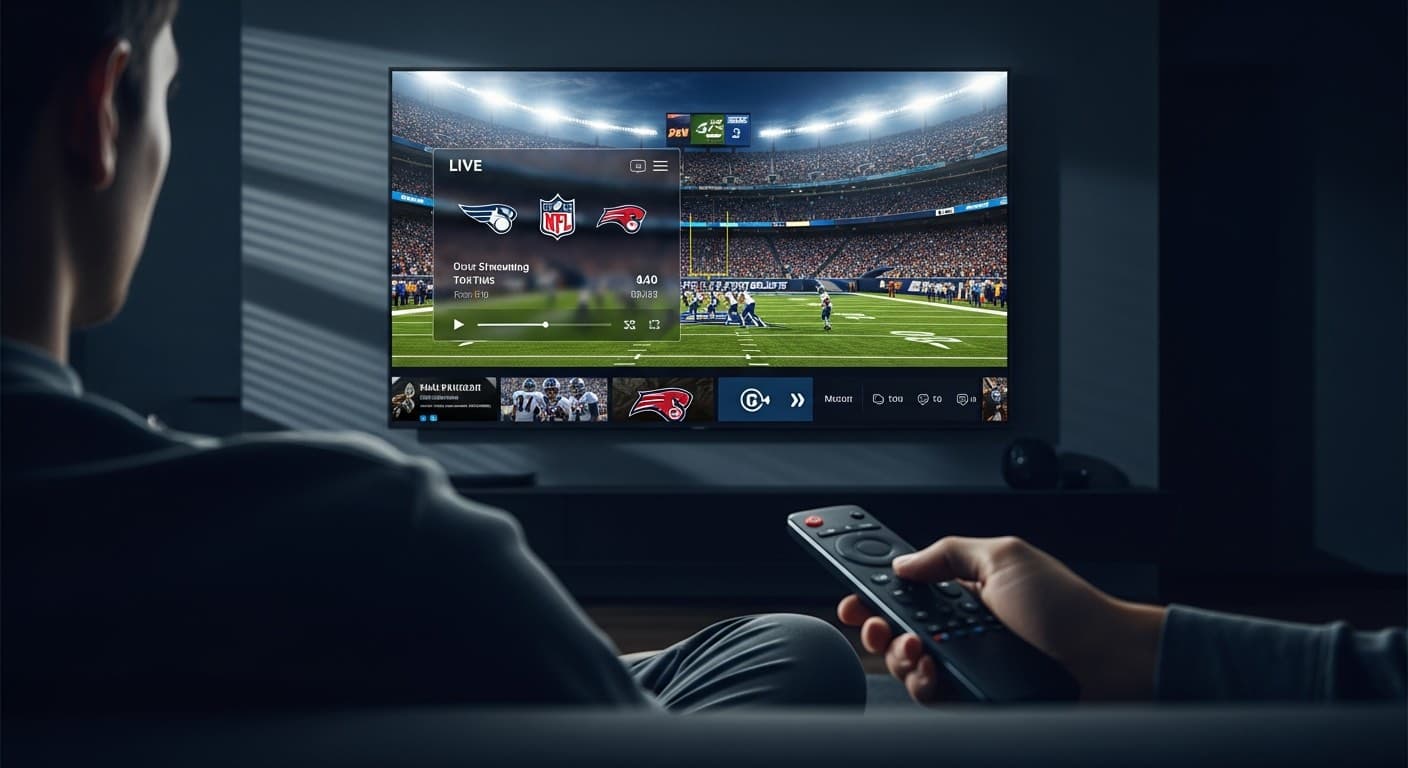
How to Watch NFL Football Live Online - Best IPTV Guide 2026
Want to stream NFL football live with IPTV without hitting blackout walls? Smart 4K IPTV delivers every NFL game - Sunday Night Football, Monday Night Football, Thursday Night Football, and NFL RedZone - in real time, without the regional restrictions that drive cable subscribers crazy. I've tested this setup on an Amazon Firestick 4K Max (3rd gen), Apple TV 4K (3rd gen), and NVIDIA Shield Pro 2023, and the experience beats every traditional streaming option. Follow this guide to get NFL live on any screen in under 15 minutes. For background, see the NFL's official ways to watch page.
| Attribute | Details |
|---|---|
| Compatible Devices | Firestick 4K Max, Apple TV 4K, NVIDIA Shield Pro, Android TV, Samsung/LG Smart TV, PC/Mac |
| Recommended App | TiviMate 4.8 (Android/Firestick) · IPTV Smarters Pro 5.1 (Apple TV/Smart TV) |
| Min. Internet Speed | 25 Mbps for 1080p HD · 50 Mbps for 4K HDR |
| NFL Channels Included | ESPN, ESPN2, ABC, CBS, NBC, FOX, NFL Network, NFL RedZone |
| Blackout-Free | Yes - bypasses regional NFL broadcast restrictions |
| Monthly Cost | $10-$20/month (Smart 4K IPTV) |
In This Guide
What You Need Before Starting
Before you can stream NFL football live with IPTV, confirm you have the following in place. Missing any one of these is the most common reason first-timers can't get NFL games playing on kickoff day:
- Active IPTV Subscription: You need a service that carries the major US sports broadcast channels - ESPN, FOX, CBS, NBC, NFL Network, and NFL RedZone. Not all IPTV providers include NFL RedZone; confirm before subscribing. Our best IPTV services 2026 guide has a vetted, tested shortlist.
- Compatible Streaming Device: Amazon Firestick 4K Max (3rd gen, 2023 model), NVIDIA Shield Pro (2023), Apple TV 4K (3rd gen MN873LL/A), or any Android TV box running Android TV OS 9.0 or later. Older Firestick HD models support HD streams only - no 4K NFL.
- IPTV Player App: TiviMate 4.8 is the gold standard on Firestick and Android TV. IPTV Smarters Pro 5.1 is the best option for Apple TV 4K and Samsung/LG Smart TVs.
- Internet Speed: 25 Mbps minimum for stable 1080p HD; 50 Mbps or higher for 4K HDR NFL streams. Use a wired Ethernet connection or a dedicated 5 GHz Wi-Fi band - 2.4 GHz is too congested for live sports.
- IPTV Credentials: Your provider sends these by email - either an M3U URL or Xtream Codes details (portal URL + username + password). Keep these handy before you open your player app.
How to Stream NFL Football Live with IPTV - Step by Step
These steps are based on TiviMate 4.8 on an Amazon Firestick 4K Max. The process is identical for NVIDIA Shield Pro and Android TV boxes. Apple TV users should substitute IPTV Smarters Pro 5.1 in Steps 1-3.
- Install TiviMate on Your Firestick: From the Firestick home screen, navigate to Find → Search and type "TiviMate." Select the app from search results and tap Get or Download. The base app is free; TiviMate Premium (v4.8) unlocks favorites, recordings, and multi-screen view for $4.99/year - worth it for regular NFL viewers. Once installed, open TiviMate right away to begin setup.
- Add Your IPTV Playlist: On the TiviMate welcome screen, tap Add Playlist. You'll see two input options: select Xtream Codes API if your provider gave you a portal URL, username, and password, or select M3U Playlist if they sent you a URL ending in .m3u or .m3u8. Paste the credentials exactly - including any port number in the URL (e.g., http://provider.com:8080/get.php). Tap Next to load your channels.
- Configure Your EPG Source: After the channel list loads, TiviMate will prompt you to set up an Electronic Program Guide. Tap Set EPG Source and enter your provider's EPG URL. If your provider didn't send one separately, try replacing
/get.phpwith/xmltv.phpin your playlist URL - this works with most Xtream Codes panels. The EPG typically loads within 2-5 minutes and will show live NFL kickoff times and game matchups directly in the channel guide. - Navigate to the Sports Channels: From TiviMate's main screen, press the left navigation button on your Firestick remote to open the side menu, then select TV Channels. In the channel list, scroll to the group labeled Sports, USA Sports, or US Sports (varies by provider). You'll find ESPN, ESPN2, CBS Sports Network, NBC Sports, FOX Sports, NFL Network, and NFL RedZone listed here.
- Locate Your NFL Game: Press the guide button (or navigate to TV Guide in TiviMate) to open the full EPG grid. Scroll horizontally to the current time window - NFL games on CBS, FOX, NBC, and ESPN are highlighted with the game matchup (e.g., Kansas City Chiefs vs. Philadelphia Eagles), start time, and broadcast network. Sunday afternoon windows typically show multiple simultaneous games across CBS and FOX regional feeds.
- Start the Stream: Press OK / Select on your remote while hovering over an NFL channel. TiviMate uses ExoPlayer as its default media decoder. If the stream doesn't start within 5 seconds, press back and select Stream 2 or Stream 3 - most reliable IPTV providers carry 2-3 redundant feeds for major sports channels. Stream 2 is often the most stable option during peak NFL kickoff times.
- Enable Hardware Decoding for 4K Streams: For crystal-clear 4K NFL streams on Firestick 4K Max, go to TiviMate Settings → Player → Video Decoder and set it to Hardware (MediaCodec). This offloads video decoding to the Firestick's dedicated GPU, eliminating frame drops on H.265/HEVC 4K streams. Firestick 4K Max natively supports 4K HEVC; Firestick Lite and older 2nd-gen Firesticks do not.
- Pin NFL Channels to Favorites: Long-press on ESPN, NFL Network, and NFL RedZone, then select Add to Favorites. In TiviMate, your Favorites group appears at the top of every channel list - so on Sunday at 1 PM, you're one button press away from any NFL game without scrolling through thousands of channels.
If you want to optimize your Firestick beyond just the player settings - including disabling background apps, setting DNS, and configuring a VPN - the guide on setting up IPTV on Firestick 4K Max covers all of it.
Why IPTV Eliminates NFL Blackouts
NFL blackouts are baked into broadcast rights deals between the league and local TV affiliates. If you're inside a team's designated home market, the NFL's distribution agreements require that the game be blacked out on national streaming platforms - Peacock, ESPN+, and even NFL+ - unless you're a paying cable subscriber with that exact regional package. It's why Chiefs fans in Kansas City sometimes can't watch their own team on Sunday afternoon.
IPTV bypasses this mechanism entirely. IPTV services aggregate live broadcast feeds from international server infrastructure that sits outside the NFL's geofencing system. Your ISP sees only encrypted traffic - not which channel or game you're watching. The broadcast feed itself originates from a server that isn't bound by US regional market restrictions. In practical terms: you can watch any NFL game, in any market, without a VPN, and without the blackout pop-up.
One caveat: this only holds if your IPTV provider has invested in solid server infrastructure. Budget services with 2,000-3,000 concurrent users often crater during the Super Bowl or a prime-time Saturday playoff game. Smart 4K IPTV runs a load-balanced server network with per-channel backup streams to stay stable through peak events. When you're evaluating a service, ask about uptime guarantees during live sports - that's the real test.
Troubleshooting Common Issues
Stream Freezes or Buffers During the Game
This is almost always a network issue, not a server-side problem. First, run a speed test - you need a stable 25+ Mbps. If speed is fine but buffering persists, switch TiviMate's video decoder from Software to Hardware (MediaCodec) under Settings → Player. Also try switching to Stream 2 on the same channel. For a full diagnostic walkthrough, the guide on fixing IPTV buffering and freezing covers every cause and fix.
NFL Channel Shows a Black Screen with Audio
Black screen plus audio means your device's hardware decoder can't handle the stream's codec - usually H.265/HEVC. Go to TiviMate Settings → Player → Video Decoder and switch to Software mode. If you're on an older Firestick HD (2nd gen), that device doesn't support 4K HEVC at all - contact your provider to request the 1080p H.264 stream variant for that channel.
NFL RedZone or NFL Network Missing from Channel List
If NFL Network or RedZone isn't in your guide, your IPTV plan may not include the USA Sports tier. Contact your provider to confirm and upgrade if needed. If your plan does include it, force a playlist refresh: TiviMate Settings → Playlists → [Your Playlist] → Update Now. This re-fetches the latest channel list from your provider's server. The Kodi community forum is a solid resource for troubleshooting IPTV playlist issues if you're stuck.
EPG Not Showing NFL Kickoff Times
EPG data populates within 5 minutes of initial setup. If NFL channels show blank guide slots, trigger a manual EPG refresh: TiviMate Settings → EPG → Update Now. If that doesn't work, your EPG URL may be incorrect or expired - contact your IPTV provider for the updated URL. Alternatively, try replacing /get.php with /xmltv.php in your IPTV portal URL and re-entering it as the EPG source.
✅ Pros
- No regional NFL blackouts on any game
- All 8 NFL broadcast channels including RedZone
- 1080p and 4K HDR stream quality available
- Works on Firestick, Apple TV, Android TV, Smart TV
- $10-$20/month vs $73+/month for DirecTV
- EPG shows live NFL schedules and game matchups
❌ Cons
- Requires a stable 25+ Mbps internet connection
- Must choose a reputable IPTV provider carefully
- Some streams may buffer during Super Bowl peak traffic
- Legal grey area in many jurisdictions
- No DVR/cloud recording (unless provider supports it)
Smart 4K is the most stable IPTV - watch every match without buffering
3M +1 FREE • 6M +2 FREE • 12M +3 FREE
Offer valid for new subscribers and single-device plans only.