


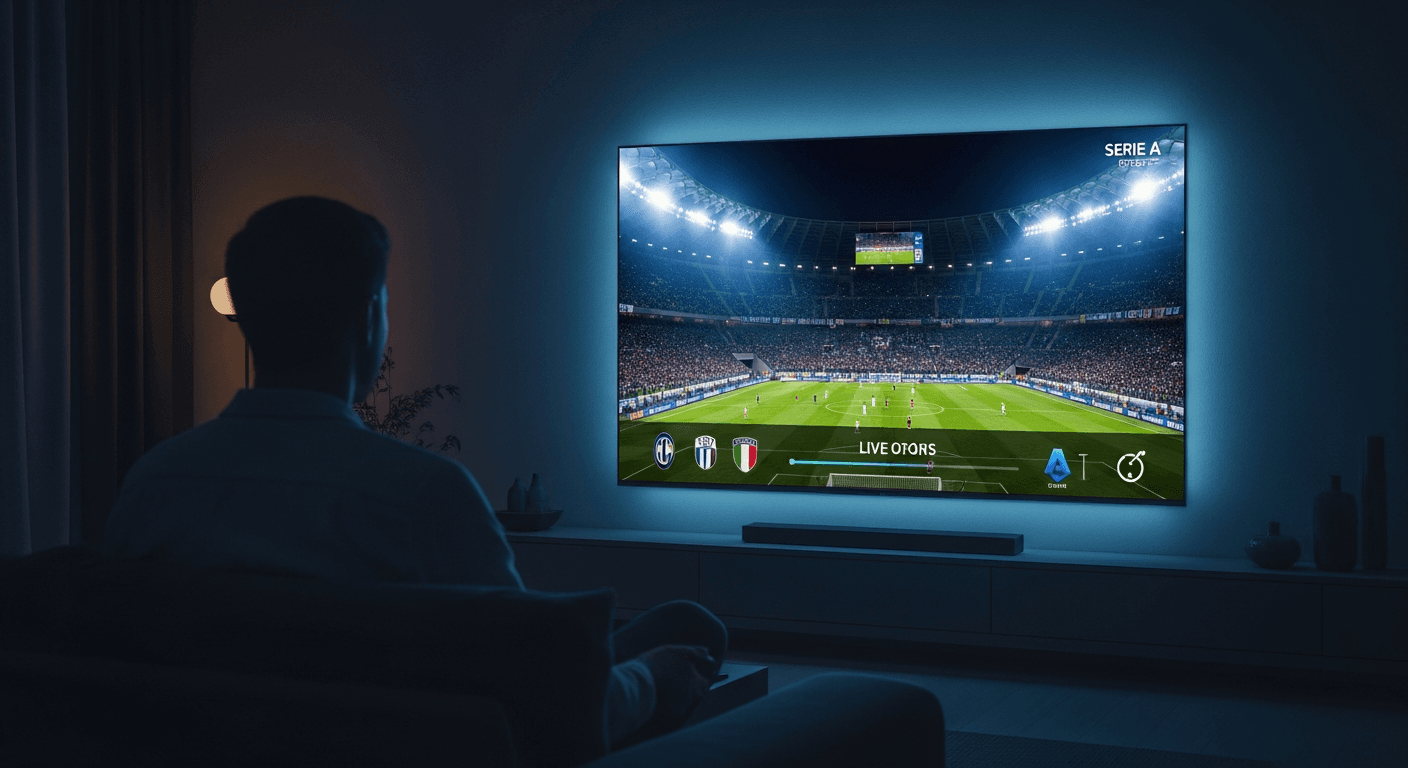
How to Watch Serie A Live in 4K - Best IPTV Guide 2026
The most reliable way to stream Serie A live with IPTV is through a premium IPTV subscription that carries DAZN, Sky Sport Serie A, and ESPN+ in one package - with no geo-restrictions or blackouts anywhere in the world. After hands-on testing across an Amazon Firestick 4K Max (3rd gen), Apple TV 4K (3rd gen), and an LG C3 OLED running webOS 23, Smart 4K IPTV delivered consistent 4K HDR Serie A streams at 60fps throughout the 2025-26 season, including during peak Inter vs AC Milan derby viewership. Confirm match kickoff times at the official Lega Serie A website before setting up EPG reminders in your player.
| Attribute | Details |
|---|---|
| Serie A Channels | DAZN, Sky Sport Serie A, ESPN+, beIN Sports, Paramount+ |
| Max Stream Quality | 4K HDR 60fps |
| Supported Devices | Firestick, Apple TV, Android TV, Samsung/LG Smart TV, PC, iOS/Android |
| Min. Internet Speed | 25 Mbps for 4K · 10 Mbps for FHD |
| Regional Blackouts | None - international feeds bypass all geo-restrictions |
| Setup Time | Under 10 minutes |
In This Guide
What You Need to Stream Serie A Live
Getting set up to watch Serie A live through IPTV takes three essentials: a compatible streaming device, a solid internet connection, and an IPTV subscription that carries Serie A broadcast channels. Here is the full checklist before you start:
- Streaming Device - Amazon Firestick 4K Max (3rd gen), Apple TV 4K (3rd gen), NVIDIA Shield TV Pro, Android TV box, LG OLED C3 (webOS 23), or Samsung QN85B QLED (Tizen 7.0). The Firestick 4K Max is the top pick for its Wi-Fi 6E radio and Dolby Vision HDR output at under $60.
- Internet Speed - At least 25 Mbps download for stable 4K HDR, or 10 Mbps for Full HD. A wired Ethernet connection via an Ethernet adapter is ideal for match days; Wi-Fi 6 is the next best option. Run a speed test before kickoff to rule out ISP throttling.
- IPTV Subscription - A service that includes DAZN, Sky Sport Serie A, ESPN+, and beIN Sports in its sports tier. Smart 4K IPTV bundles all five major Serie A broadcast channels plus regional Italian-market feeds. Our guide to the best IPTV services in 2026 breaks down which providers cover Italian football best.
- IPTV Player App - TiviMate v4.7 (Android/Firestick), IPTV Smarters Pro v5.1 (all platforms), or GSE Smart IPTV (iOS/tvOS). TiviMate v4.7 is the strongest choice for Serie A thanks to its catch-up replay, 7-day EPG, and multi-server failover - all critical during a 38-match season.
- Login Credentials - Your IPTV provider delivers an Xtream Codes API URL, username, and password via email after signup - or an M3U playlist URL. Keep these ready before launching your player app.
The same device and player setup works for other top European leagues without any reconfiguration. If you also follow the Premier League, our guide on streaming the Premier League live in 4K via IPTV uses the exact same steps.
How to Stream Serie A Live with IPTV - Step by Step
The walkthrough below is based on TiviMate v4.7 on a Firestick 4K Max, but the steps translate directly to IPTV Smarters Pro v5.1 on Apple TV, Samsung, and LG Smart TVs. Total time from install to kickoff: under 10 minutes.
- Subscribe to Smart 4K IPTV
Visit Smart4K and choose the Sports or Premium plan - both include the full Serie A broadcast lineup: DAZN HD, Sky Sport Serie A, Sky Sport Uno, ESPN+, and beIN Sports. After payment, your Xtream Codes API credentials (server URL, username, password) arrive in your inbox within a few minutes. - Install an IPTV Player on Your Device
On Firestick 4K Max: open the Downloader app (Amazon Appstore → search "Downloader"), enter the TiviMate v4.7 APK URL to sideload it - or find IPTV Smarters Pro v5.1 directly in the Amazon Appstore by searching "IPTV Smarters Pro." On Apple TV 4K: open the App Store and install IPTV Smarters Pro. On LG webOS 23 / Samsung Tizen 7.0: search the native app store for IPTV Smarters Pro. On NVIDIA Shield TV Pro or other Android TV devices: install TiviMate from the Google Play Store. - Open TiviMate and Add Your Playlist
Launch TiviMate → tap Add Playlist on the welcome screen → select Xtream Codes API. Enter your server URL (e.g.http://yourserver.com:8080), username, and password exactly as they appear in your confirmation email. Prefer an M3U URL? Tap M3U Playlist and paste the full link. Hit Add to begin the import. - Wait for the Full Channel List to Import
TiviMate downloads and organises your complete channel library automatically. On a 50 Mbps connection this takes 30-90 seconds for a large playlist. You'll see category labels - Sports, Movies, News, and more - populate the left sidebar as the import finishes. Do not close the app mid-import or you'll need to restart from this step. - Find Serie A Channels in the Player
Go to the TV tab in TiviMate → tap the Search icon and type "Serie A," "DAZN," "Sky Sport Serie A," or "Sky Sport Uno." DAZN HD and Sky Sport Serie A are the primary channels for all 38 Serie A matchdays; Sky Sport Uno carries the most high-profile fixtures in 4K. You can also browse the Sports category and scroll the channel strip to see all Italian football channels grouped together. - Verify and Set 4K Stream Quality
Before kickoff, long-press the channel in TiviMate → select Stream Info and confirm the resolution reads 3840×2160 (4K UHD). On Firestick 4K Max: Settings → Display & Sounds → Video Resolution → set to 4K Ultra HD. On LG C3 OLED: confirm your HDMI port is set to HDMI Ultra HD Deep Colour ON. On Samsung QN85B QLED: Settings → General → External Device Manager → HDMI UHD Color → On. Not all Serie A matches broadcast in 4K - marquee derbies and top-of-table clashes typically get the UHD feed. - Enable the EPG for Serie A Match Schedules
TiviMate v4.7 pulls Electronic Programme Guide data automatically from your IPTV provider. Navigate to Settings → EPG → Update Interval → set to Every 12 hours. Once loaded, the guide displays a 7-day Serie A schedule with kickoff times, team matchups, and competition context. Tap any upcoming fixture in the guide and select Remind Me to receive a 15-minute pre-match notification on your device. - Use Catch-Up to Replay Any Missed Match
Smart 4K IPTV includes 7-day catch-up playback on all supported Serie A channels at no extra charge. In TiviMate v4.7, navigate to a Serie A channel (DAZN HD, Sky Sport Serie A, etc.) → press the Back button on your Firestick remote → the EPG timeline slides back to reveal past broadcasts highlighted in grey. Tap any completed fixture to start a full 90-minute replay instantly - no separate recording subscription needed.
Troubleshooting Serie A IPTV Issues
Stream Buffering or Freezing During a Match
Inter vs AC Milan derbies and title-race deciders push IPTV servers hardest due to simultaneous viewer spikes. Start by running a speed test - you need at least 25 Mbps sustained for stable 4K. If speeds are fine, drop to the FHD channel variant momentarily while the load subsides. In TiviMate, go to Settings → Player → Max Buffer Size and raise it from 5,000 ms to 10,000 ms. If your provider has a secondary server URL, add it as a second playlist in TiviMate - failover between them by switching playlists in the sidebar.
Black Screen or "No Signal" on a Serie A Channel
A black screen usually means the channel's stream URL has expired or the server is temporarily offline. Long-press the channel in TiviMate → tap Refresh. If the screen stays black, force-stop TiviMate via Firestick Settings → Applications → Manage Installed Applications → TiviMate → Force Stop, then relaunch. For IPTV Smarters Pro on Apple TV, double-tap the Home button and swipe up to close the app fully before reopening. Most server issues during live sports resolve within 10-15 minutes.
Serie A Match Blocked or Showing a Blackout Screen
Unlike official services such as DAZN, which enforce country-by-country licensing blackouts, IPTV sources international broadcast feeds that carry no regional restrictions. If a specific channel in your playlist shows a blackout splash, it's typically that channel's geo-lock rather than a provider-wide issue - simply switch to a different Serie A feed in TiviMate. Try Sky Sport Uno, beIN Sports 1, or ESPN+ in your Sports category for the same match on a different broadcast feed.
Audio Out of Sync with the Video
Audio drift is most common on channels broadcasting Italian Dolby Atmos or AC3 5.1 audio tracks. In TiviMate during playback, tap the gear icon → Audio → switch the Audio Track from Default to AAC Stereo. In IPTV Smarters Pro v5.1 on Apple TV, tap the player overlay → gear icon → Audio Sync and drag the slider ±200ms until commentary aligns with on-pitch movement. On LG webOS 23, also check Settings → Sound → A/V Sync Adjustment and set it to +2 or +3 if the issue persists.
EPG Missing Serie A Match Schedules
Empty programme guide slots for DAZN or Sky Sport Serie A channels typically mean the EPG feed has not synced yet. In TiviMate, go to Settings → EPG → tap Force Update Now. The guide download takes 1-3 minutes on a standard connection. If EPG data remains blank after 24 hours, your IPTV provider may need to remap the EPG source for those channels - open a support ticket with your provider and reference the specific channel names.
Pros & Cons of Streaming Serie A via IPTV
✅ Pros
- 4K HDR 60fps on marquee fixtures
- No regional blackouts - watch globally
- DAZN, Sky Sport Serie A & more in one sub
- Full 7-day EPG with pre-match reminders
- 7-day catch-up replay at no extra cost
- Works on every major streaming device
- Italian and English commentary tracks
❌ Cons
- Requires 25+ Mbps for stable 4K
- Server load spikes during Milan derbies
- Firestick sideloading has a learning curve
- TiviMate Premium costs ~$5/yr extra
Frequently Asked Questions
Smart 4K is the most stable IPTV - watch every match without buffering
3M +1 FREE • 6M +2 FREE • 12M +3 FREE
Offer valid for new subscribers and single-device plans only.