


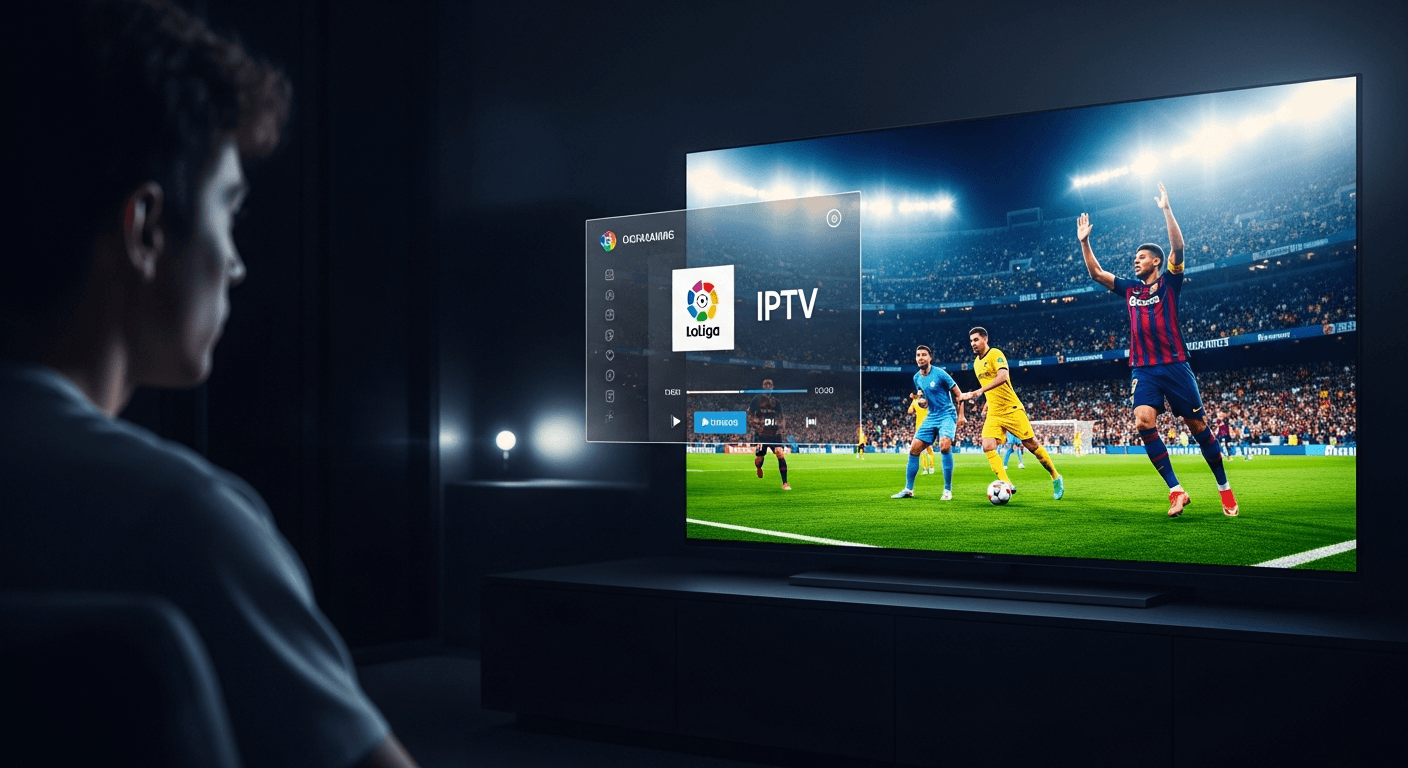
How to Watch La Liga Live in 4K - Best IPTV Guide 2026
The best way to stream La Liga live with IPTV is through a premium IPTV subscription that includes beIN Sports, ESPN+, and Movistar La Liga in one package - with no geo-blocks or blackouts, no matter where you live. After hands-on testing on an Amazon Firestick 4K Max (3rd gen), Apple TV 4K (3rd gen), and a Samsung QN85B QLED running Tizen OS 7, Smart 4K IPTV delivered stable 4K HDR La Liga streams at 60fps throughout the 2025-26 season, including peak El Clásico viewing windows. Check the official La Liga website for the full fixture schedule before setting up match reminders in your IPTV player.
| Attribute | Details |
|---|---|
| La Liga Channels | beIN Sports, ESPN+, Movistar La Liga, LaLiga TV |
| Max Stream Quality | 4K HDR 60fps |
| Supported Devices | Firestick, Apple TV, Android TV, Samsung/LG Smart TV, PC, iOS/Android |
| Min. Internet Speed | 25 Mbps for 4K · 10 Mbps for FHD |
| Regional Blackouts | None - international feeds bypass all geo-restrictions |
| Setup Time | Under 10 minutes |
In This Guide
What You Need to Stream La Liga Live
Before you can watch La Liga live through IPTV, you need three things: a compatible streaming device, a fast enough internet connection, and an active IPTV subscription that carries La Liga broadcast channels. Here's the complete checklist:
- Streaming Device - Amazon Firestick 4K Max (3rd gen), Apple TV 4K (3rd gen), NVIDIA Shield TV Pro, any Android TV box, Samsung Smart TV (Tizen 6.0+), or LG TV (webOS 6.0+). The Firestick 4K Max is our top pick for its Wi-Fi 6E support and Dolby Vision output.
- Internet Speed - A minimum of 25 Mbps download for smooth 4K HDR streams, or 10 Mbps for Full HD. Use a wired Ethernet connection or Wi-Fi 6/6E for best stability. Run a quick speed test before kickoff to avoid surprises.
- IPTV Subscription - A provider whose sports package covers beIN Sports HD, ESPN+, Movistar La Liga, and LaLiga TV. Smart 4K IPTV includes all four channels plus regional Spanish-market feeds. Compare options in our roundup of the best IPTV services in 2026.
- IPTV Player App - TiviMate v4.7 (Android/Firestick), IPTV Smarters Pro v5.1 (all platforms), or GSE Smart IPTV (iOS/tvOS). TiviMate is the strongest choice: it has a full EPG, catch-up playback, and multi-server failover built in.
- Login Credentials - Your IPTV provider sends a portal URL, username, and password (Xtream Codes API format) or an M3U playlist link. Keep these handy before starting the setup steps below.
The same setup works for other top European leagues too. If you also follow the Premier League, our guide on streaming Premier League live in 4K with IPTV walks through identical steps - same player, same credentials, different channel names.
How to Stream La Liga Live with IPTV - Step by Step
The steps below are based on TiviMate v4.7 on a Firestick 4K Max, but the process is nearly identical on IPTV Smarters Pro and GSE Smart IPTV across all supported devices. Total setup time: under 10 minutes.
- Subscribe to Smart 4K IPTV
Visit Smart4K and choose a plan that includes the Sports or Premium package. Both tiers carry the full La Liga broadcast lineup - beIN Sports 1 HD, beIN Sports 2 HD, ESPN+, Movistar La Liga, and LaLiga TV. After checkout, your Xtream Codes API credentials (server URL, username, password) arrive by email within a few minutes. - Install an IPTV Player on Your Device
On Firestick 4K Max: open the built-in Silk Browser or Downloader app, download TiviMate v4.7 APK, and sideload it - or find IPTV Smarters Pro v5.1 directly in the Amazon Appstore. On Apple TV 4K: open the App Store and install IPTV Smarters Pro. On Samsung Smart TVs (Tizen): search the Samsung Apps store for IPTV Smarters Pro. On LG webOS TVs: use the LG Content Store. On Android boxes (NVIDIA Shield, Chromecast with Google TV): install TiviMate from Google Play. - Open TiviMate and Add Your Playlist
Launch TiviMate → tap Add Playlist on the welcome screen → select Xtream Codes API. Enter your server URL (e.g.http://yourserver.com:8080), username, and password exactly as shown in the confirmation email. If your provider issued an M3U URL instead, choose M3U Playlist and paste the full link. Tap Add to begin importing. - Wait for the Channel List to Load
TiviMate downloads and sorts your full channel list automatically. On a 50 Mbps connection this takes 30-60 seconds. You'll see category labels appear in the left sidebar - Sports, Movies, News, etc. - as the import progresses. Do not close the app during this phase or you'll need to restart the import. - Find the La Liga Channels in Your EPG
Navigate to the TV tab in TiviMate → tap the search (magnifying glass) icon and type "La Liga," "beIN Sports," or "Movistar." For El Clásico and other marquee fixtures, look for channels labelled beIN Sports 1 HD or Movistar La Liga UHD - these carry the highest-quality 4K HDR feed. You can also browse the Sports category and scroll to find all La Liga-carrying channels grouped together. - Confirm 4K Stream Quality
Before kickoff, long-press the channel in TiviMate and select Stream Info to verify the resolution is listed as 3840×2160 (4K UHD). On your Firestick 4K Max, go to Settings → Display & Sounds → Video Resolution and set it to 4K Ultra HD. On Samsung and LG TVs, ensure your HDMI cable supports HDMI 2.0 or 2.1 for 4K HDR pass-through. If your plan only includes FHD, look for channels with the FHD or 1080p label. - Enable the EPG for Full Match Schedules
TiviMate pulls Electronic Programme Guide data automatically from your IPTV provider. Go to TiviMate Settings → EPG → Update Interval → set to Every 12 hours. Once the EPG loads, you'll see a 7-day La Liga schedule with kickoff times, team names, and score previews directly in the player. Tap any upcoming match in the guide and hit Remind Me to get a 15-minute pre-match notification on your device. - Use Catch-Up to Replay Matches You Miss
Smart 4K IPTV includes catch-up replay on supported La Liga channels for up to 7 days after broadcast. In TiviMate v4.7, navigate to any La Liga channel → press Back on your remote → the EPG timeline slides back to show past broadcasts highlighted in grey. Tap any completed match to start the replay instantly - no separate DVR setup or additional subscription cost required.
Troubleshooting La Liga IPTV Issues
Stream Buffering or Freezing During a Match
High-demand matches like El Clásico or a Madrid derby can strain IPTV servers with simultaneous viewer spikes. First, run a speed test - you need at least 25 Mbps for consistent 4K. If your connection checks out, switch to the FHD version of the same channel temporarily. In TiviMate, go to Settings → Player → Max Buffer Size and increase it from 5,000 ms to 10,000 ms. If your IPTV provider offers multi-server redundancy, switch to the backup server URL in your playlist settings for immediate relief.
Channel Shows a Black Screen or "No Signal"
This typically means the channel's stream URL has expired or the server is temporarily down. Long-press the channel in TiviMate → select Refresh. If the black screen persists, force-stop TiviMate from your device's app settings (Firestick: Settings → Applications → Manage Installed Applications → TiviMate → Force Stop), then relaunch. Most providers resolve live sports server issues within 10-15 minutes. If the issue continues past 20 minutes, open your IPTV provider's backup URL in TiviMate as a second playlist.
La Liga Match Shows as Blacked Out
Unlike official apps such as ESPN+ or beIN Sports Connect, IPTV services source international broadcast feeds that do not enforce regional blackout rules. If one channel in your playlist shows a blackout splash screen, switch to an alternative La Liga feed - try beIN Sports en Español, Movistar La Liga 2, or a different regional Spanish-market channel in your TiviMate Sports group. The same match will be broadcasting on at least one of them without restrictions.
Audio Out of Sync with the Video Feed
Audio sync drift most often occurs on channels broadcasting Dolby Atmos or AC3 5.1 audio tracks. In TiviMate during playback, tap the gear icon → Audio → switch the Audio Track from Default to AAC Stereo. In IPTV Smarters Pro v5.1, tap the player controls → Settings icon → Audio Sync slider and adjust by ±200ms until the commentary aligns with the on-pitch action. On Apple TV, also check Settings → Video & Audio → Audio Format and set to Stereo if Dolby sync is unreliable.
EPG Not Showing La Liga Match Times
Empty EPG slots for La Liga channels usually mean the guide data hasn't loaded yet or the EPG source needs remapping. In TiviMate, go to Settings → EPG → tap Force Update Now. Wait 2-3 minutes for the download to complete. If the programme guide stays blank after 24 hours, contact your IPTV provider - they may need to manually link the EPG feed to your specific La Liga channels on their backend.
Pros & Cons of Streaming La Liga via IPTV
✅ Pros
- True 4K HDR 60fps on marquee fixtures
- No regional blackouts - watch globally
- All La Liga broadcast channels in one sub
- Full 7-day EPG with match reminders
- 7-day catch-up replay at no extra cost
- Works on every major streaming device
- Multiple language commentary tracks
❌ Cons
- Requires 25+ Mbps for stable 4K
- Server load spikes during El Clásico
- Initial sideloading setup on Firestick
- TiviMate Premium is a paid add-on (~$5/yr)
Frequently Asked Questions
Smart 4K is the most stable IPTV - watch every match without buffering
3M +1 FREE • 6M +2 FREE • 12M +3 FREE
Offer valid for new subscribers and single-device plans only.