


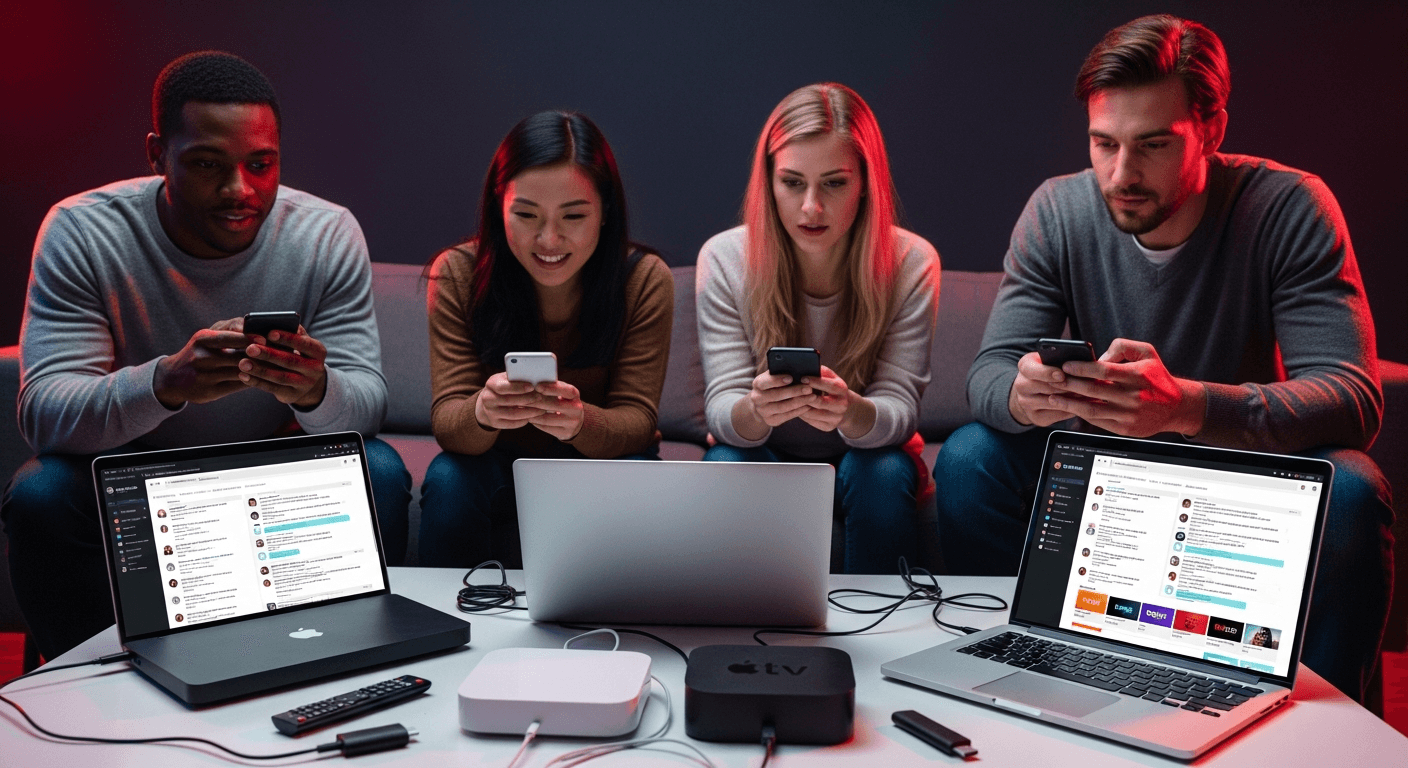
Best IPTV Forums for Support & Troubleshooting
Finding reliable IPTV forums for support is one of the most valuable things you can do as a cord-cutter - provider uptime reports, buffering fixes, and player recommendations spread through these communities days before they reach any mainstream tech site. The challenge is knowing which forums are still active, safe to discuss IPTV topics, and populated by people who actually know what they are talking about. After spending time across the main IPTV communities in 2026, IPTV ROOMS Forum stands out as the top dedicated destination - but knowing how to use forums effectively matters as much as knowing which ones to join.
In This Guide
What Makes an IPTV Forum Reliable?
Not all IPTV communities are worth your time. The best IPTV forums for support share these characteristics:
- Recent activity - Threads with posts from the last 24-48 hours indicate an active user base. A forum where the newest thread is three months old will not help you with a current outage
- Searchable archive - A good forum lets you search for your specific issue before posting. Most buffering, EPG, and authentication errors have been discussed before, and finding an existing thread is faster than waiting for a reply
- Clear community rules - Active moderation keeps spam, scam providers, and outdated information from polluting the community. Good forums remove dead provider recommendations and lock threads with resolved issues
- Device and app categorization - The best forums have separate sections or tags for Firestick, Android TV, Smart TV, and specific apps (TiviMate, IPTV Smarters Pro) so your question reaches the right people
- Provider-neutral advice - Forums where moderators or power users have financial ties to specific providers tend to skew recommendations. Look for diverse opinions across multiple providers
How to Find and Use IPTV Forums - Step by Step
Follow these steps to find the right community for your specific need and get useful answers fast.
Step 1: Define What Kind of Help You Actually Need
Different problems lead to different forums. Break your need into one of three categories before searching:
- Technical issues (buffering, authorization errors, EPG not loading, app crashes) - best handled on dedicated IPTV forums like IPTV ROOMS where users can share specific settings and fixes
- Provider recommendations - best found on neutral forums and Reddit r/IPTV where multiple providers are discussed and reviews are not filtered by the community owner
- Urgent outage reports - best handled in your provider's own Telegram group or Discord, where staff post live status updates during service disruptions
Step 2: Search Before You Post
Before creating a new thread, use the forum's search function with specific terms. Search for your exact error message, device model, and app version together - for example: "TiviMate EPG not loading Firestick 4K." On IPTV ROOMS, the search returns categorized results sorted by recency, making it easy to find threads from the last 30 days. On Reddit r/IPTV, use Reddit's search with the subreddit filter and sort by "New" to find recent discussions.
If a solved thread already exists, read through the replies for the confirmed fix rather than opening a new post. Most common IPTV issues - buffering at peak hours, EPG channel ID mismatches, authorization failures from max connections - have multiple resolved threads you can reference immediately.
Step 3: Create an Account on IPTV ROOMS Forum
For dedicated IPTV troubleshooting, IPTV ROOMS is the most focused community for technical help, provider discussions, and app-specific support. Registration is free and straightforward. Once registered, navigate the board categories to find the section relevant to your issue - sections typically cover IPTV players, streaming devices, provider feedback, and general troubleshooting.
Take a few minutes to read the forum rules before posting. IPTV ROOMS enforces clear guidelines around what provider names can be shared and how to ask questions - following them prevents your post from being removed or ignored.
Step 4: Join Reddit r/IPTV for Anonymous Discussions
The Reddit r/IPTV subreddit offers a large, anonymous community for general IPTV discussion. It is particularly useful for provider recommendations since Reddit accounts are pseudonymous and users are less likely to be influenced by affiliate relationships. The subreddit has rules about self-promotion and scam providers, but enforcement is less consistent than dedicated forums.
Use Reddit's saved posts feature to bookmark useful threads. The r/IPTV wiki and sidebar often contain curated resources compiled by the mod team - check these before posting basic setup questions. For provider-specific issues, search the subreddit for the provider name to find recent uptime reports and subscriber experiences.
Step 5: Find Your Provider's Official Discord or Telegram
Most reputable IPTV providers operate a Discord server or Telegram group for their subscribers. These are the fastest channels for outage notifications, server migration announcements, and billing issues. Find your provider's official support link in your welcome email or customer portal - never join a Discord or Telegram group from an unsolicited message, as scammers impersonate popular providers to steal credentials.
Discord servers for IPTV providers typically have dedicated channels for #announcements, #support-tickets, and #general-help. Post technical issues in the support channel with your device, app version, and a screenshot of the error - this is faster than email tickets for most providers.
Step 6: Cross-Reference Multiple Sources Before Acting
A single forum post is not enough to confirm a fix or a provider recommendation. Cross-reference what you find on IPTV ROOMS with Reddit r/IPTV and, if available, your provider's official channels before making changes. This is especially important for provider recommendations - a forum endorsement from a single user with no posting history should be treated skeptically regardless of platform.
For technical fixes, look for threads where multiple users confirm the same solution worked on the same device. A fix that worked for one person on a 2019 Android TV box may not apply to a Firestick 4K Max running Fire OS 8.
Step 7: Write a Troubleshooting Post That Gets Answered
Forum posts that get ignored are almost always missing specifics. Before posting a question, include all of the following:
- Your device and OS version (e.g., Firestick 4K Max, Fire OS 8.3.1)
- Your IPTV player and version (e.g., TiviMate 4.7 or IPTV Smarters Pro 3.1)
- The exact error message or symptom (buffering every 30 seconds, blank EPG, authorization failed)
- What you have already tried (the steps you took before posting)
- Your connection type (Wi-Fi vs. Ethernet, approximate speed)
Posts with this level of detail typically receive responses within a few hours on active forums. Generic posts like "my IPTV is not working, help" are routinely ignored. For buffering issues specifically, include whether the problem occurs on all channels or specific ones, and whether it is time-of-day dependent - these details narrow the cause significantly. For a deeper dive into the common technical issues that come up most on these forums, see our guide on fixing IPTV buffering across all devices.
Step 8: Mark Solved Threads and Contribute Back
Once your issue is resolved, return to your thread and either mark it solved or post a brief follow-up confirming what worked. This turns your thread into a searchable resource for the next person with the same issue - it is how forum knowledge bases build over time. Experienced forum members help more readily when they see someone follows up rather than going silent after getting what they need.
As you accumulate experience, contributing answers to basic questions increases your forum reputation and unlocks access to some restricted sections on platforms like IPTV ROOMS that gate certain content behind post-count thresholds.
Best IPTV Forums for Support in 2026
IPTV ROOMS Forum - Best Overall
IPTV ROOMS is the most focused dedicated IPTV forum active in 2026. It covers technical support, provider reviews, app comparisons, and device-specific troubleshooting in organized sections. Unlike Reddit, discussions are categorized and searchable by topic - finding threads about a specific player on a specific device takes seconds rather than digging through a general feed. The community enforces quality standards on provider recommendations, reducing the volume of spam and fake reviews compared to open subreddits. For users who want direct answers rather than opinion threads, IPTV ROOMS is the first stop.
Reddit r/IPTV - Best for Anonymous Browsing
With hundreds of thousands of subscribers, r/IPTV is the largest IPTV community by raw size. Its advantage is anonymity and breadth - users discuss providers, apps, and setups across every device without needing a separate account from their main Reddit identity. The subreddit is particularly valuable for recent provider uptime reports, since subscribers often post immediately when a service goes down. The main weakness is inconsistent moderation: outdated fixes and inactive provider recommendations sometimes appear in top search results.
Provider Discord and Telegram - Best for Outage Alerts
For real-time help with a specific provider, their official Discord server or Telegram channel is unmatched. Outage announcements, maintenance windows, and server migration notices appear there first - often before subscribers even notice their stream has gone down. The limitation is that these channels are provider-specific: they are not useful for comparing services or getting neutral advice. Treat them as a single-provider support channel rather than a general IPTV community.
How to Get Faster, Better Answers
Avoid Vague Problem Descriptions
The single biggest reason forum posts go unanswered is a lack of specifics. "My IPTV keeps buffering" tells an experienced forum member nothing - buffering can be caused by Wi-Fi, ISP throttling, provider server load, app buffer settings, or device memory. "TiviMate 4.7 buffers every 90 seconds only on live sports channels between 7-10 PM on Firestick 4K Max using Ethernet" gives them everything needed to point you to the right fix immediately. If you are not sure about your device or app version, check before posting - it takes 30 seconds and makes the difference between a fast answer and no answer.
Do Not Share Credentials or Provider Names Publicly
Never share your IPTV username, password, or M3U URL in a public forum post - these can be harvested and used to exceed your connection limit or steal your subscription. Responsible forums like IPTV ROOMS explicitly prohibit posting credentials, and most experienced users will not help you if you post them (and will flag the post for removal). If support requires sharing account details, use a private message or your provider's official ticket system. Similarly, be cautious about publicly naming specific providers in contexts that could create legal exposure - review the forum rules and our overview of IPTV laws in 2026 to understand what is appropriate to discuss publicly.
Use Forum Search With Specific Version Numbers
App bugs are version-specific. A TiviMate 4.5 EPG issue may have been patched in 4.7. When searching for your problem, include the version number in your search query - this filters out threads about outdated versions and helps you find discussions that apply to your current setup. If you cannot find threads matching your exact version, look for the most recent threads about the same symptom and check whether the replies mention version-specific behavior.
Forum vs. Other Support Channels: Pros and Cons
✅ Why Use IPTV Forums
- Searchable history of solved issues - most problems have existing answers
- Device-specific and app-specific categorization
- Community-verified fixes from real users on real devices
- Provider uptime reports appear within minutes of an outage
- Free and accessible from any browser without an app
❌ Limitations to Know
- Response times vary - not for urgent real-time emergencies
- Forum quality depends on moderation - some communities have outdated info
- Provider recommendations can be biased or affiliate-driven on unmoderated forums
- Account creation required to post (browse-only for guests on some platforms)
Frequently Asked Questions
Smart 4K is the most stable IPTV - watch every match without buffering
3M +1 FREE • 6M +2 FREE • 12M +3 FREE
Offer valid for new subscribers and single-device plans only.